Top 7 Best Screen Recorder Software options
In today's digital world, capturing your screen has become an essential skill. Whether you're creating tutorials, recording presentations, or simply sharing your gameplay, a good screen recorder is a must-have tool. But with so many options available, choosing the right one can be overwhelming.
Fear not, fellow screen-capturers! This blog post will guide you through the top 7 best screen recorder software options in 2024, catering to different needs and budgets.
1. Loom:
- Best for: Quick and easy screen recording with powerful sharing features.
- Key features: Simple interface, cloud-based storage and sharing, automatic video trimming, screen annotations, and integrations with popular tools like Slack and Google Drive.
- Pricing: Free plan with limited features, paid plans starting at $8 per month.
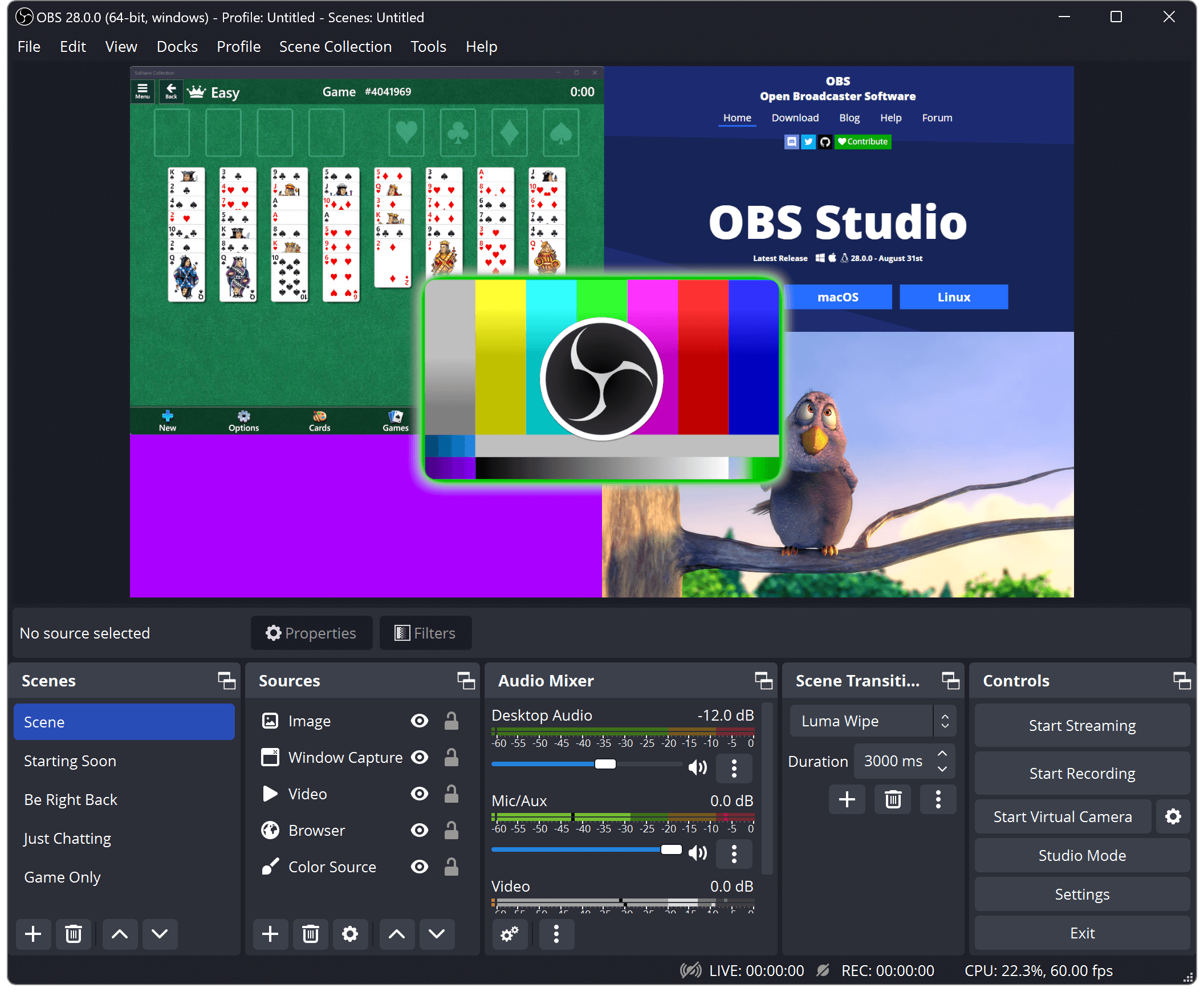
2. OBS Studio:
- Best for: Free and open-source option with advanced features for gamers and streamers.
- Key features: Highly customizable recording settings, live streaming capabilities, scene switching, audio mixing, and plugin support.
- Pricing: Free and open-source.
3. Camtasia:
- Best for: Professional-grade screen recording and video editing for Windows and Mac.
- Key features: Powerful video editing tools, screen annotations, quizzes and interactivity options, captioning, and green screen effects.
- Pricing: One-time purchase of $299.99.
4. Movavi Screen Recorder:
- Best for: User-friendly and versatile screen recorder for Windows and Mac.
- Key features: Capture full screen, specific regions, or webcam, record audio and system sounds, schedule recordings, annotations and drawing tools, and various output formats.
- Pricing: Free plan with limited features, paid plans starting at $42.95 per year.
5. ScreenRec:
- Best for: Team collaboration and online recording with browser-based recording.
- Key features: Record screen, webcam, and microphone, collaborative editing, real-time transcription, cloud storage and sharing, and integrations with popular tools like Zapier and HubSpot.
- Pricing: Free plan with limited features, paid plans starting at $7 per month.
6. Bandicam:
- Best for: High-performance screen recording for games and video tutorials.
- Key features: Capture high-resolution video at up to 120 FPS, record specific regions or applications, hardware acceleration for smooth recording, and real-time video editing.
- Pricing: Free plan with limited features, paid plan for $39.95.
7. ShareX:
- Best for: Open-source and feature-packed option for power users.
- Key features: Capture screenshots, record screen, webcam, and audio, automated tasks, upload to cloud storage, and extensive customization options.
- Pricing: Free and open-source.
Bonus Tip:
- Consider your needs and budget when choosing a screen recorder.
- Start with a free plan or trial to test out the software before committing to a paid plan.
- Read online reviews and compare features to find the best option for you.
No matter your needs or budget, there's a screen recorder out there that's perfect for you. So get out there, start capturing, and share your creations with the world!
Remember, the best screen recorder is the one that helps you achieve your goals.
We hope this blog post has been helpful. If you have any questions, please feel free to leave a comment below.
Happy recording!
Join the conversation